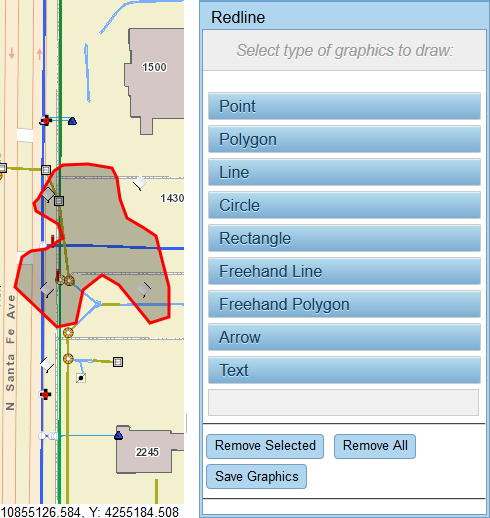
Add a Freehand Polygon

Freehand polygons can be any shape needed.
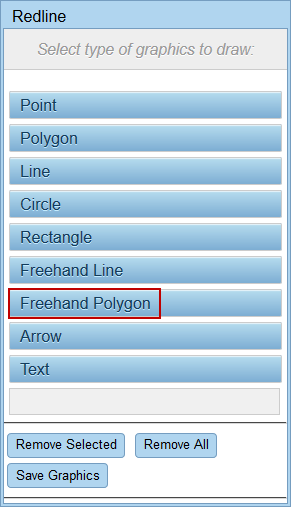
  1. Click Redline on the map toolbar or select it from the Tools drop-down list.
  2. Click Freehand Polygon.

  1. Click and hold your mouse button or press and hold your finger as you draw a polygon around the desired area. The polygon is completed when you release the button or lift your finger.

  1. See Save Redline Image to a Work Activity or Download a Redline Image to save the graphic you just created.