Search Work History
Users can search the work history of an asset.
-
- Select Search Work History.
- Either enter an address or select a point on the map. See Locate by Address or Locate by Point for more information. The work history summary opens in a new tab.
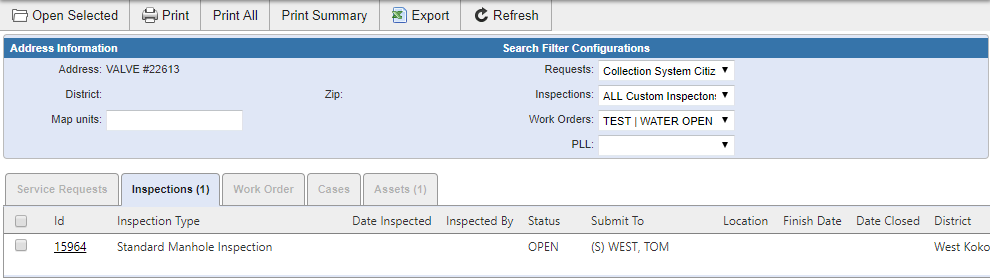
See the following topics for more information on using the work history: Open a Work Activity, Filter Work History, Print Work History, and Export Work History.