Auto Save Selections
When selections are made, the user must save them in the Results panel unless auto save is selected. The Selection map tool is a floating panel on the map.
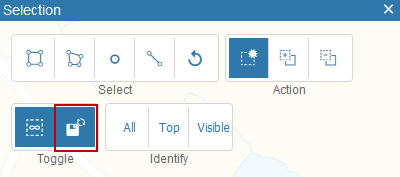
If this is selected, you see auto save on the Results panel. Any assets you select are automatically saved.

