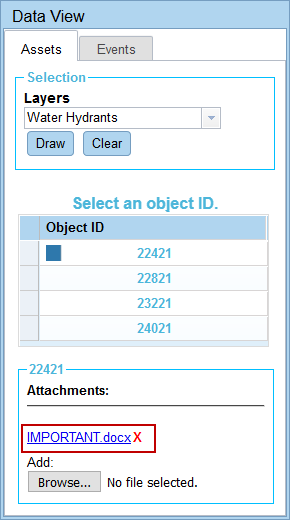
Remove an Asset Attachment
Any attachments that are no longer needed can be removed.
- From the Assets tab, select the layer from the drop-down list.
-
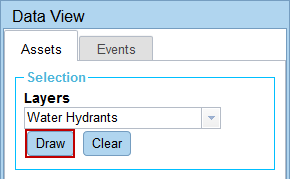
- Draw a rectangle on the map over the desired asset.
- Select the Object ID.
-